Turn everyday product shots into clean ecommerce listing images.
Marketplace Ready is designed for clear, centered, product-first images that work well across marketplace listings, storefronts, product grids, and catalog updates.


Marketplace Ready basics
What Marketplace Ready does
Marketplace Ready turns everyday product photos into cleaner ecommerce-style images focused on the product itself.
A clean product image is the foundation of ecommerce
Marketplace Ready is for sellers who need product photos that look clear, centered, and easy to shop. It is not meant to turn a product photo into an ad. It is meant to make the product easier to understand.
Marketplace Ready helps with
- Cleaner backgrounds
- More professional product presentation
- Better product framing
- More consistent catalog images
- Listing-style ecommerce images
- Product-first storefront visuals
Everyday photo vs. Marketplace Ready
Everyday photo
- Cluttered background
- Uneven lighting
- Product may look tilted or casual
- Harder to use in a store
Marketplace Ready
- Clean product-first presentation
- Centered product
- Better crop
- Easier to use across listings and product pages
Think practical, not flashy
Marketplace Ready is best when the goal is clarity. Save lifestyle scenes, text overlays, and designed ads for secondary images or marketing assets.
When to use Marketplace Ready
Use Marketplace Ready when you need a clean ecommerce image that focuses attention on the product.
Use it when the product needs to be the focus
Marketplace Ready is the safe starting point for most ecommerce product photo workflows. If a buyer needs to quickly understand what the product is, this is usually the right template.
Marketplace Ready is a good fit when
- You need a main product image.
- Your photo has a distracting background.
- Your product is too small or poorly framed.
- Your catalog images look inconsistent.
- You need a clean product photo for a product page.
- You want a practical ecommerce image, not a lifestyle scene.
- You are preparing images for Amazon, Shopify, Walmart, Etsy, eBay, or WooCommerce.
Common Marketplace Ready use cases

Main listing image
Clean, centered image for marketplace or storefront product pages.
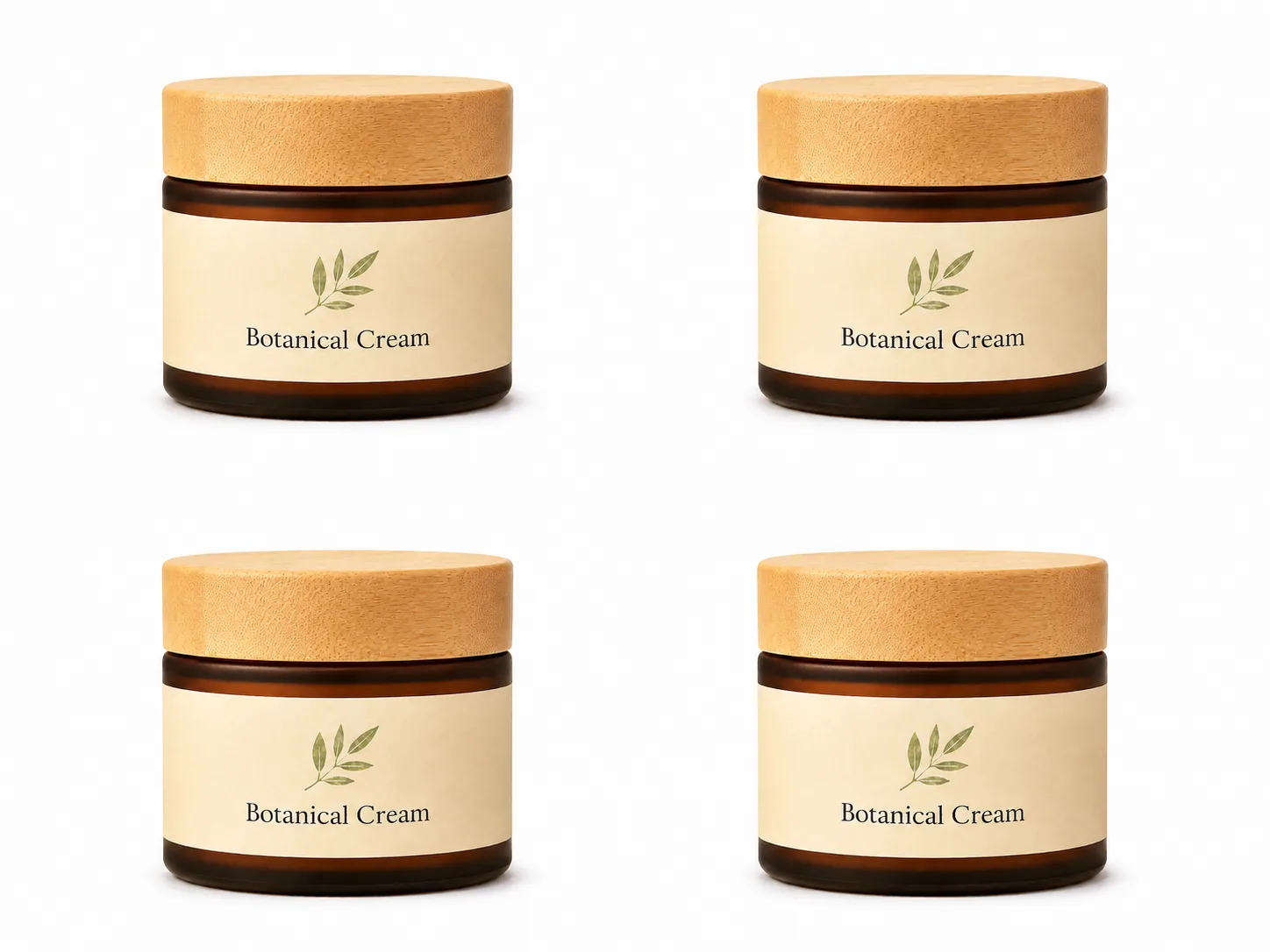
Collection grid image
Consistent image for Shopify, WooCommerce, or store category pages.
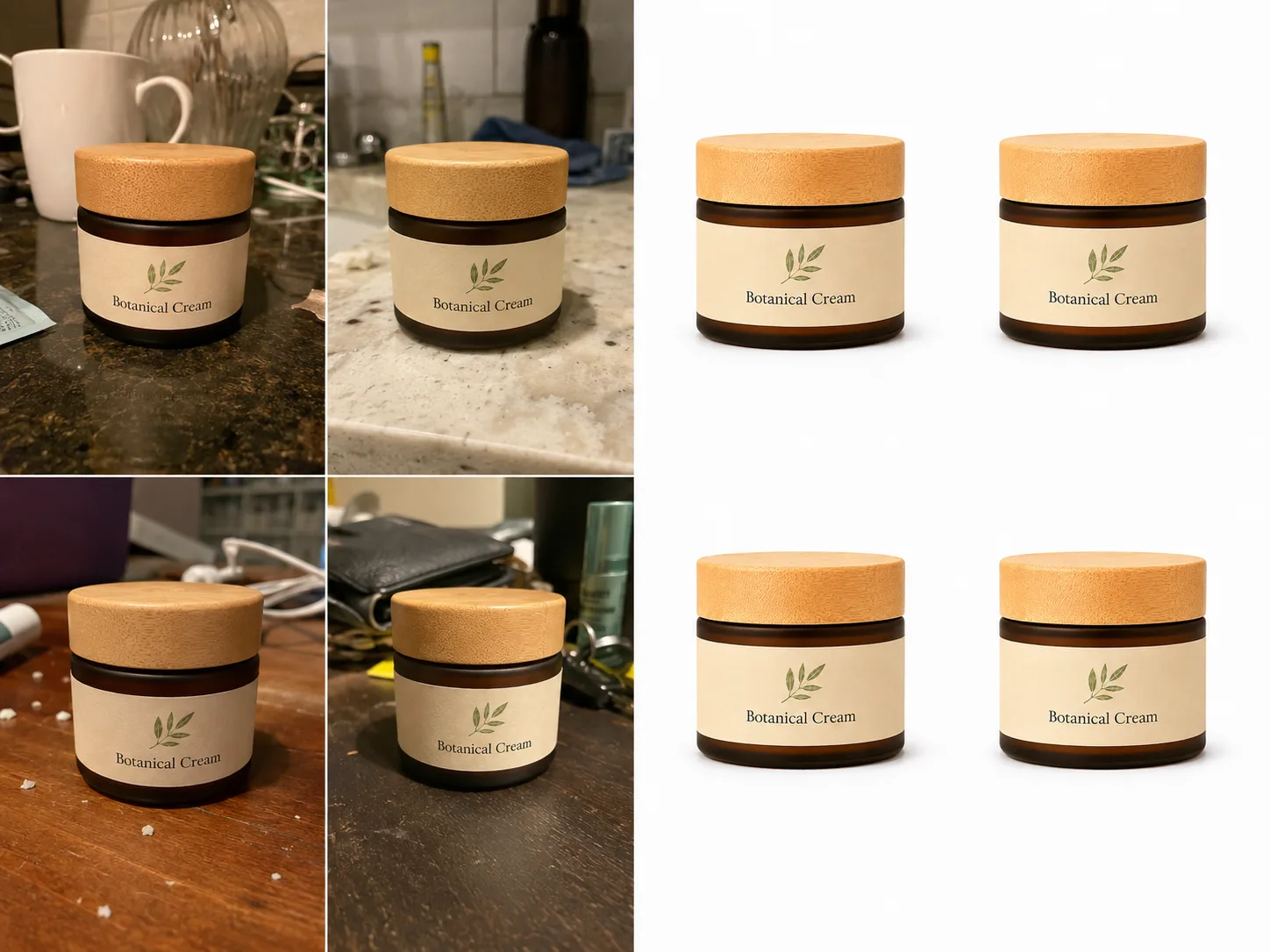
Catalog refresh
Updating many supplier or phone-shot images into one cleaner style.
Start with a clean listing image
Upload one product photo and see whether Marketplace Ready gives you the look you need.
Try Marketplace ReadyWhen not to use Marketplace Ready
Marketplace Ready is not the right choice for every image. Some use cases need Transparent, Luxury Studio, Luxury Scene, or a custom design.
Choose the template based on the job
Marketplace Ready is for clean ecommerce product presentation. If your goal is a banner, ad, social post, lifestyle scene, or product cutout, another template may fit better.
Choose the right RenderLift path
Use Marketplace Ready for
- Product page images
- Marketplace-style listings
- Clean catalog grids
- Supplier photo cleanup
- Main ecommerce images
Use another template for
- Transparent cutouts
- Lifestyle scenes
- Premium brand visuals
- Social ads
- Homepage hero images
Do not force every image into one style
A good ecommerce store usually needs more than one type of image. Start with a clean product image, then add secondary visuals for brand, context, and promotion.
Related templates
How to prepare your source photo
Marketplace Ready works best when the original photo clearly shows the product.
Better inputs create better results
You do not need a professional studio, but the product should be visible, sharp, and easy to understand. The source photo gives RenderLift the details it needs to preserve.
Before you upload
Clean the product.
Remove dust, fingerprints, smudges, loose fibers, or packaging damage where possible.
Face the product forward.
If the label or front packaging matters, make sure it is visible.
Use soft light.
Avoid harsh flash, strong glare, or dim yellow light.
Keep the full product visible.
Do not cut off corners, caps, handles, boxes, or important accessories.
Take more than one photo.
Small angle changes can reduce glare and improve the final image.
Source photo do / don’t
Do
- Use a clear phone or camera photo.
- Keep the product steady and in focus.
- Show the full product.
- Use the best-lit version you have.
Don't
- Upload blurry screenshots.
- Use photos with heavy glare.
- Crop off important product edges.
- Use images where the label is unreadable.
- Hide the actual product behind props.
RenderLift tip
If the first result is close but not right, use Try again. If the source photo is very blurry or missing details, retake the product photo first.
What to review before downloading
Always review the generated result before using it in a store or marketplace.
The final review matters
Marketplace Ready is designed to create a cleaner product image, but sellers should still review the final result before publishing. Look closely at the details that matter to the buyer.
Review these details
- Product shape
- Label text
- Packaging edges
- Color accuracy
- Background cleanliness
- Shadows
- Crop and spacing
- Missing or distorted parts
- Glare or strange reflections
- Thumbnail readability
What to inspect

Edges
Check for halos, rough cutouts, or missing pieces.

Label
Make sure important text and graphics still look faithful.

Crop
Make sure the product is large enough but not cut off.
Review like a buyer
Step back and look at the image as a shopper would. Can you immediately tell what the product is?
Where Marketplace Ready works well
Marketplace Ready can help across multiple ecommerce platforms where clear product-first images matter.
One clean image can work in many places
A strong product-first image can be reused across marketplaces, storefronts, collection grids, product pages, and catalog systems.
Platform use cases

Amazon
Use for clean main listing-style images, then review current Amazon requirements before publishing.

Shopify
Use for product pages, collection grids, recommendations, and storefront catalog consistency.

Walmart
Use for marketplace-style product images where clarity and consistency matter.

Etsy
Use when handmade or small-batch product photos need a cleaner product-first version.

eBay
Use to make resale, catalog, or product images easier to inspect.
WooCommerce
Use for product grids and clean product-page images on your own store.
Platform rules still matter
Marketplace Ready helps prepare a cleaner product image, but each platform may have different requirements. Review the final image before publishing.
Marketplace Ready vs. Transparent vs. Lifestyle
Different ecommerce jobs need different image types.
Pick the image type by use case
A main product image, a transparent cutout, and a lifestyle scene solve different problems. Choose the template based on where the image will be used.
Which one should you use?
Marketplace Ready
- Clean product image
- Product pages
- Marketplace listings
- Store catalog grids
- Best first image
Transparent
- Product cutout
- Ads and banners
- Design layouts
- Social graphics
- Theme sections
Lifestyle / Luxury Scene
- Branded context
- Homepage visuals
- Secondary images
- Social posts
- Premium storytelling
Start clean, then build outward
Most sellers should start with a clear product-first image. Once that foundation is ready, create transparent cutouts, lifestyle scenes, and campaign visuals.
Use Marketplace Ready with Bulk
Marketplace Ready is especially useful when many product photos need the same clean ecommerce look.
One product photo is simple. A catalog needs consistency.
If you have 20, 40, or 50 product photos, improving each one separately can create a mismatched catalog. Bulk helps you approve one look and apply that direction across the batch.
Bulk helps Marketplace Ready users with
Reference-locked consistency
Approve one look first, then use it as the direction for the batch.
Review before download
Keep the results that work and try again on the ones that need another pass.
Download selected
Export only the images you approve.
Catalog cleanup
Useful for supplier photos, seasonal refreshes, marketplace updates, and store launches.
Bulk Marketplace Ready workflow
Upload your product photos.
Add the photos you want to process together.
Create or choose a reference look.
Confirm the visual direction before running the full set.
Run the batch.
Apply the approved direction across the catalog.
Review each image.
Keep, try again, or leave images out of the download.
Download selected.
Export the approved set when ready.
Clean up a full catalog
Bulk is built for sellers who need more than one product image fixed.
Learn about BulkCommon product photo mistakes
These are the mistakes that make marketplace images look unprofessional or get skipped.
Watch for these before publishing

Busy background
The buyer has to separate the product from the room, table, or clutter.

Bad lighting
Yellow, dim, or harsh light makes the product look worse.

Crooked product
Slight tilts can make packaging look careless.
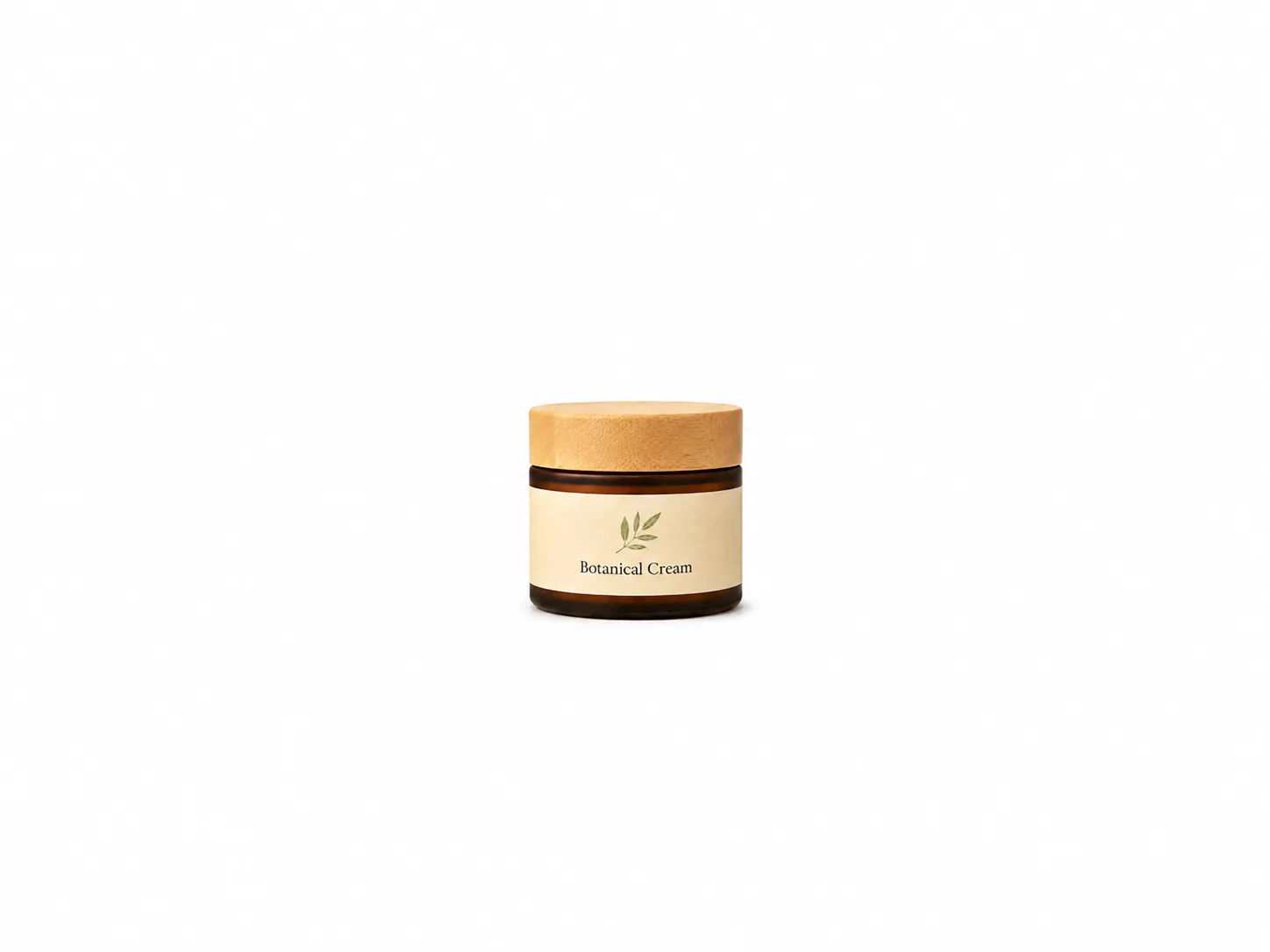
Tiny product
Too much empty space makes the item hard to inspect.

Glare
Reflections on plastic, foil, or glass can hide important details.

Low resolution
Blurry or compressed images reduce trust.

Added graphics
Main images should not look like banner ads.
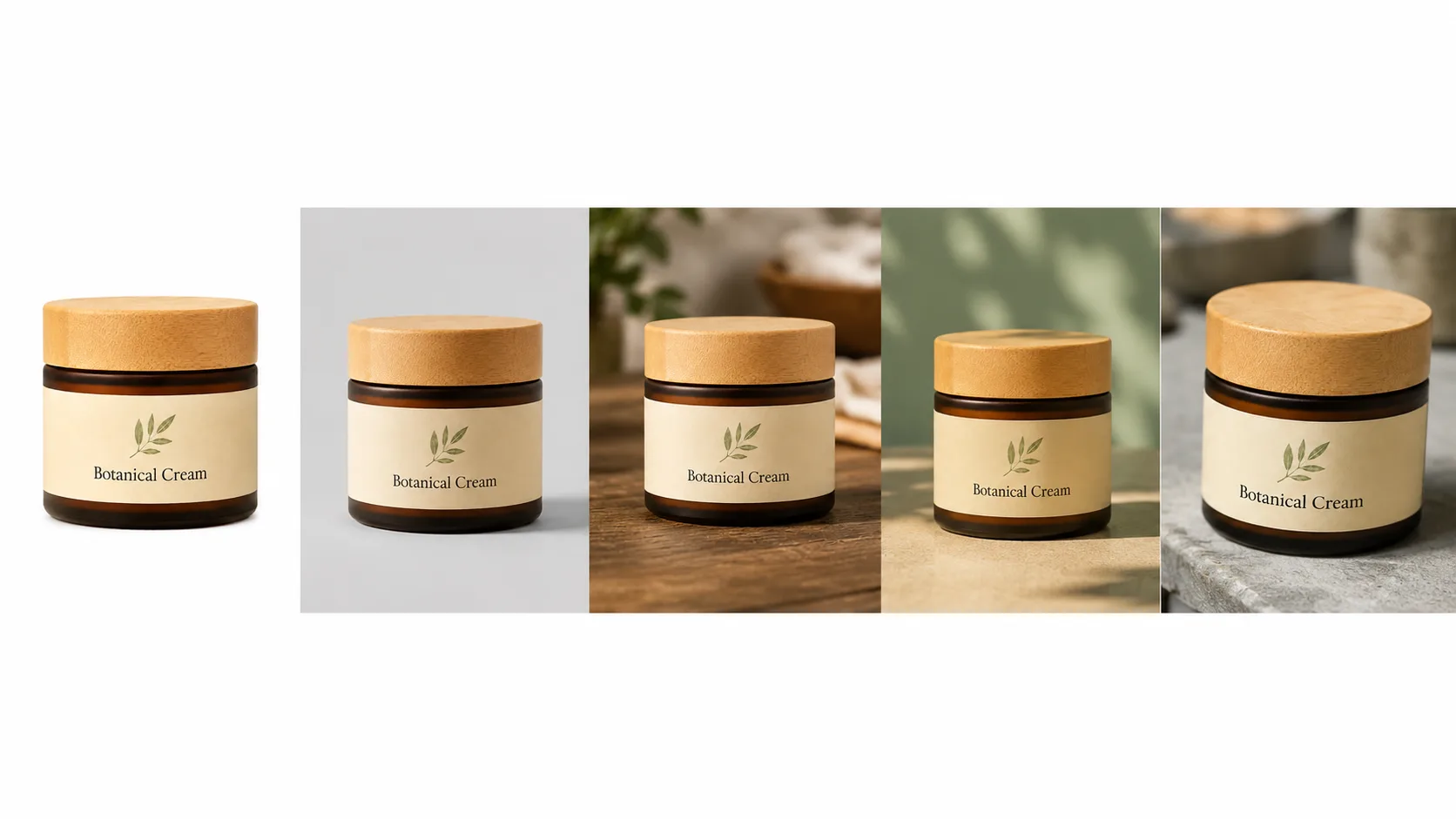
Inconsistent catalog
Products from the same brand should feel visually related. When each photo uses a different background, size, and angle, the catalog looks disorganized and less trustworthy.
Fix the biggest issue first
If you only have time for one improvement, fix the background and lighting. Those two changes usually create the biggest quality jump.
When to use Try again
Try again creates a fresh attempt when the first result is close but not quite right.
Use Try again when the result is close
Sometimes the first result is almost right but needs another attempt. Try again is useful when the product is recognizable, but the crop, lighting, background, or edge detail needs another pass.
Try again when
- The product is mostly correct.
- The crop is close but not ideal.
- The background needs another attempt.
- The shadow feels distracting.
- The edge needs a cleaner version.
- The overall result is good but not the one you want to download.
Retake the photo when the source is the problem
If the original image is blurry, heavily glared, blocked by props, or missing product details, a new source photo may work better than repeated attempts.
Download only when ready
Review the final image before downloading. Once you have the version you want, save it and use it in your store or marketplace.
Marketplace Ready checklist
Before you download a Marketplace Ready result, review these items.
- The product is centered and easy to recognize.
- The background is clean and not distracting.
- The product fills enough of the frame without being cut off.
- The label, packaging, shape, and color still look faithful to the source photo.
- Edges look natural, with no missing parts or strange halos.
- Any shadow feels soft and not distracting.
- The result works at thumbnail size.
- The image fits the marketplace or storefront where you plan to use it.
- Similar products in the catalog feel visually consistent.
- You have reviewed the final image before publishing.
Downloads
FAQ
What is Marketplace Ready best for?
Marketplace Ready is best for clean, product-first ecommerce images. Use it when you need a product photo that looks clear, centered, professional, and suitable for listings, product pages, and catalog grids.
Is Marketplace Ready only for Amazon?
No. It works well for Amazon-style listings, Shopify product grids, Walmart listings, Etsy product pages, eBay listings, WooCommerce stores, and other ecommerce uses where the product needs to be clear and easy to inspect.
Does Marketplace Ready guarantee approval on marketplaces?
No. RenderLift helps prepare cleaner product images, but sellers should always review the current image requirements for the platform and category before publishing.
What kind of source photo works best?
Use a clear photo where the product is fully visible, label or packaging is readable, lighting is soft, and glare is minimal. A better source photo usually gives a better final result.
Should I use Marketplace Ready or Transparent?
Use Marketplace Ready when you want a finished ecommerce product image. Use Transparent when you need a cutout for banners, ads, design layouts, or placing the product on another background.
Can I use Marketplace Ready with Bulk?
Yes. Marketplace Ready is a strong fit for Bulk when you want many product photos to share a consistent listing-ready look.
Related resources
Amazon Product Photo Guide
Learn how to prepare Amazon product photos with clean backgrounds, strong lighting, proper sizing, and marketplace-ready presentation.
Read guide →Shopify Product Photo Guide
Learn how to prepare Shopify product photos for product pages, collection grids, mobile storefronts, hero sections, and fast-loading ecommerce stores.
Read guide →
Transparent Background Guide
Learn when to use RenderLift Transparent, when to choose Just Transparent vs Transparent + Lift, how to prepare source photos, and where transparent product images work best.
Read guide →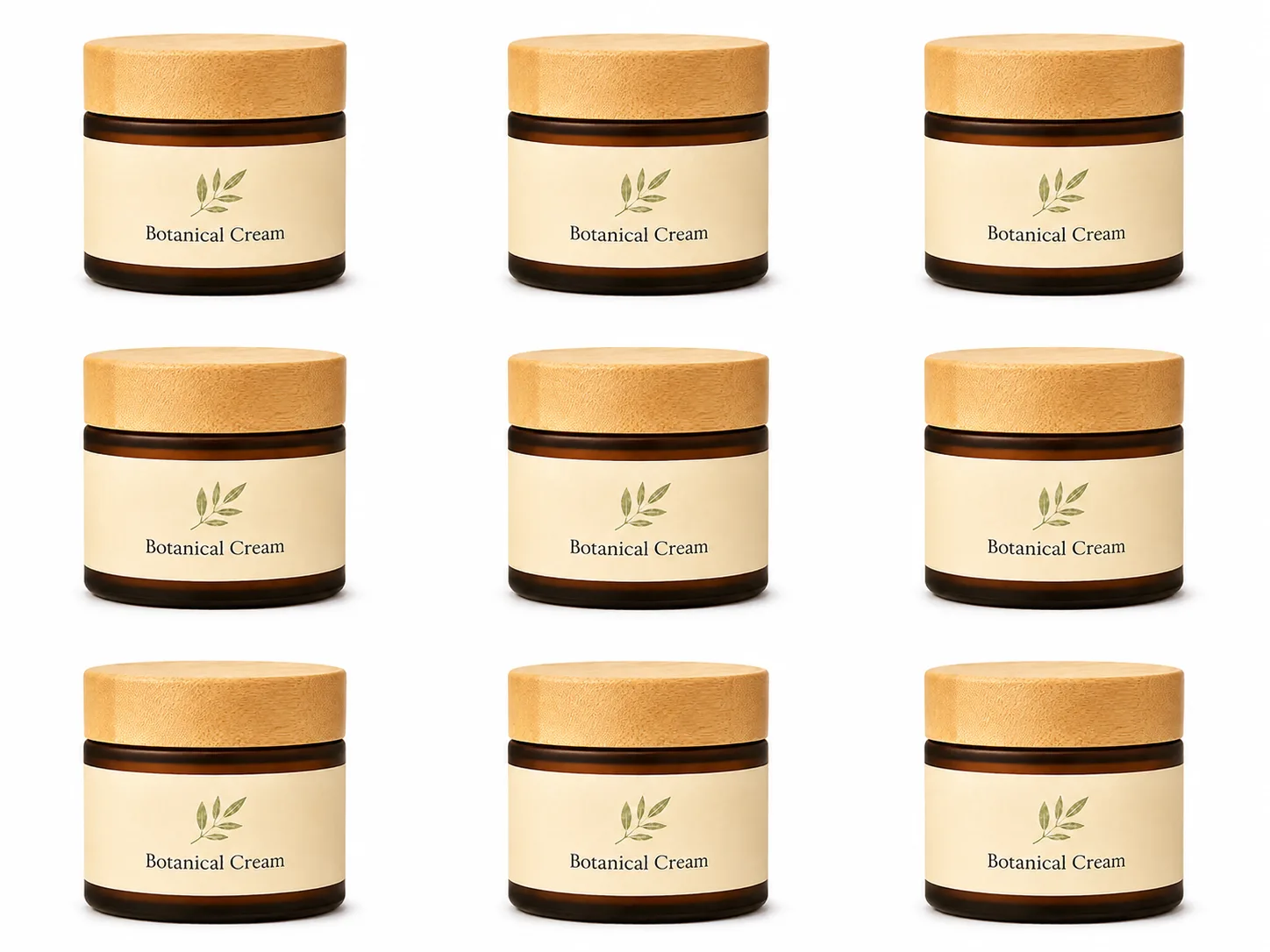
Bulk Product Photo Workflow
Learn how RenderLift Bulk helps sellers clean up 5–50 product photos at a time with reference-locked consistency, review controls, Try again, Lift previews, and selected downloads.
Read guide →
How Lifts Work
Learn how RenderLift Lifts work, how many Lifts common product photo workflows use, what happens with Try again, downloads, Bulk batches, Transparent outputs, and technical issues.
Read guide →Create a cleaner ecommerce product image.
Upload a product photo, choose Marketplace Ready, review the result, and download when it looks right.
Marketplace and storefront image rules can vary by platform and product category. Sellers should review the current requirements before publishing.